Zenithal Documentation
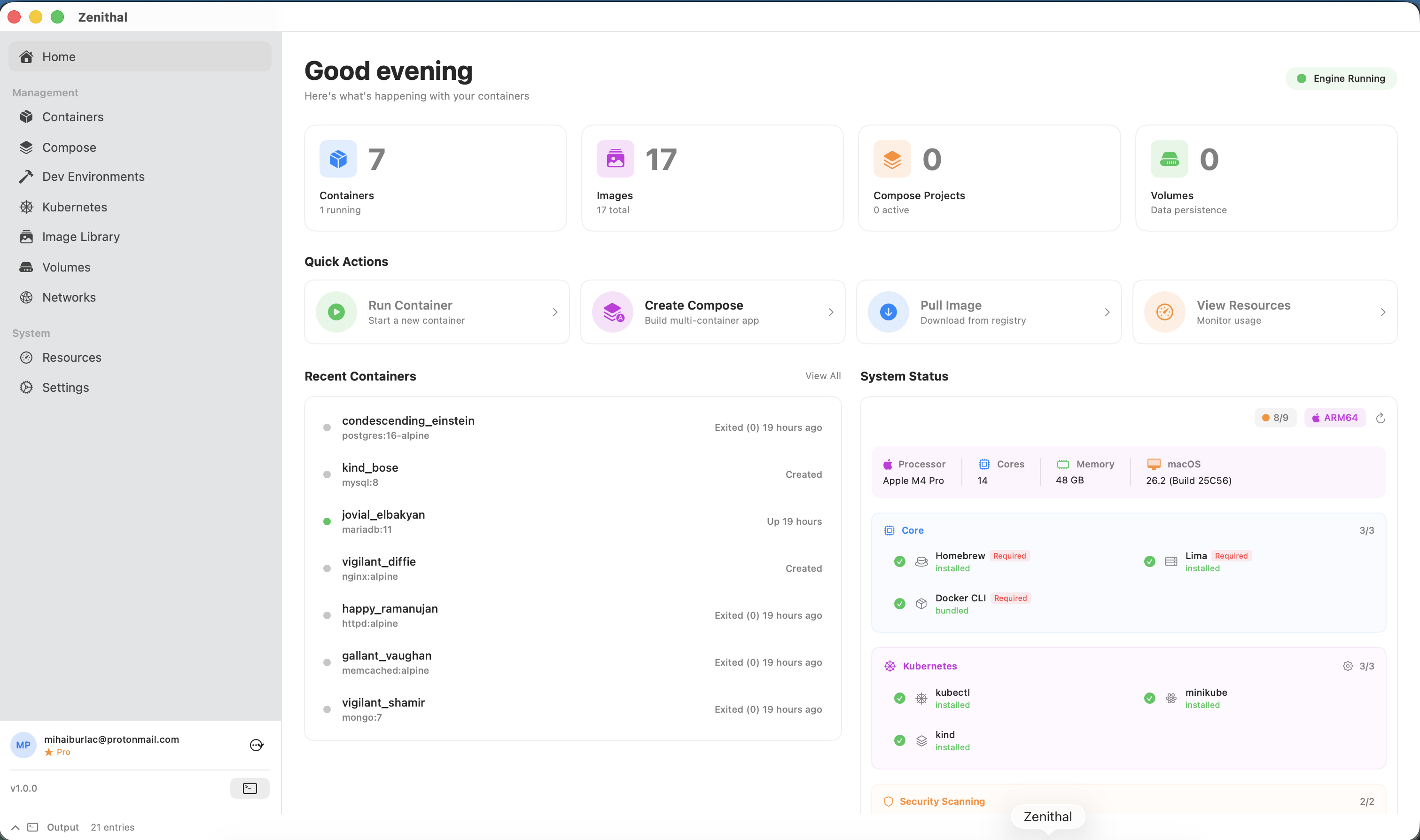
Everything you need to get started with Zenithal and master Docker and Kubernetes management on your Mac.
Guides
Getting Started
Install Zenithal and manage your first container in minutes.
Container Management
Learn to start, stop, inspect, and manage Docker containers.
Docker Compose
Deploy and manage multi-container applications with Compose.
Kubernetes
Connect to clusters and manage Kubernetes workloads.
Security Scanning
Scan images for vulnerabilities and keep your containers secure.
Troubleshooting
Common issues and how to resolve them.
Step-by-Step Tutorials
All tutorials- Run Your First Docker Container
- Container File Browser
- Inspect and Monitor a Container
- Container Logs and Terminal
- Manage Container Lifecycle
- Run a Container from a Template
- Deploy from Compose Templates
- Compose Service Graph
- Create and Manage a Compose Project
- Visual Compose Builder
- Build a Docker Image
- Pull a Docker Image
- Security Scan an Image
- Manage Volumes
System Requirements
| Operating System | macOS 13.0 (Ventura) or later |
| Processor | Apple Silicon (M1/M2/M3/M4) or Intel |
| Memory | 8 GB minimum, 16 GB recommended |
| Disk Space | 10 GB for Lima VM |