
Professional Dual-Pane File Manager
Master Your Files
Across All Devices
Dual-pane browsing, remote connections to SFTP, S3, and Azure, cloud storage sync, and an integrated terminal, all in one native app for macOS, iPad, and iPhone.
Try all features free for 7 days. No credit card required. $29.99 USD one-time on the macOS download. · 600+ downloads
On the App Store, prices are localized by Apple - tap the App Store badge to see your local price.
Take It Everywhere - iPad & iPhone
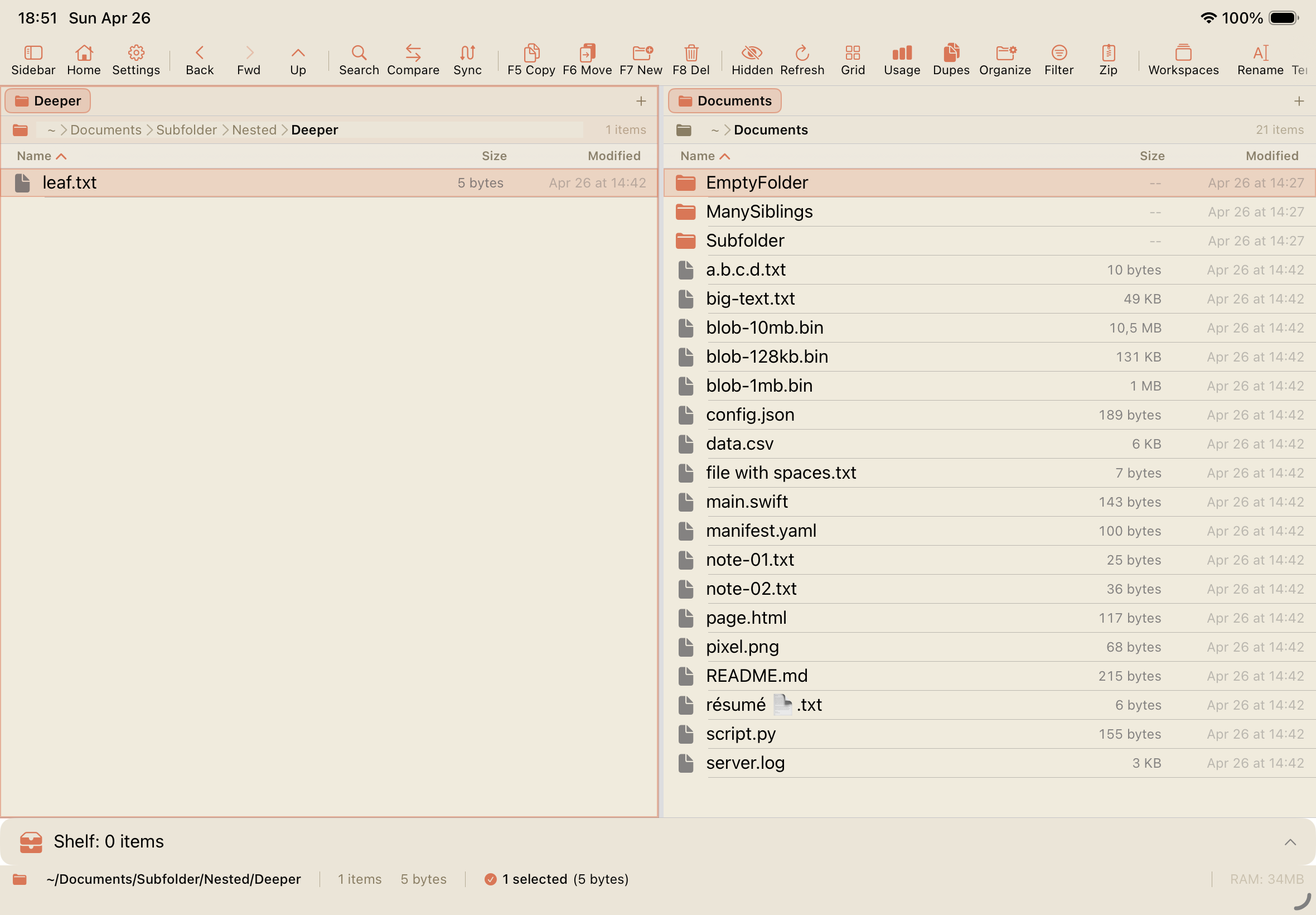
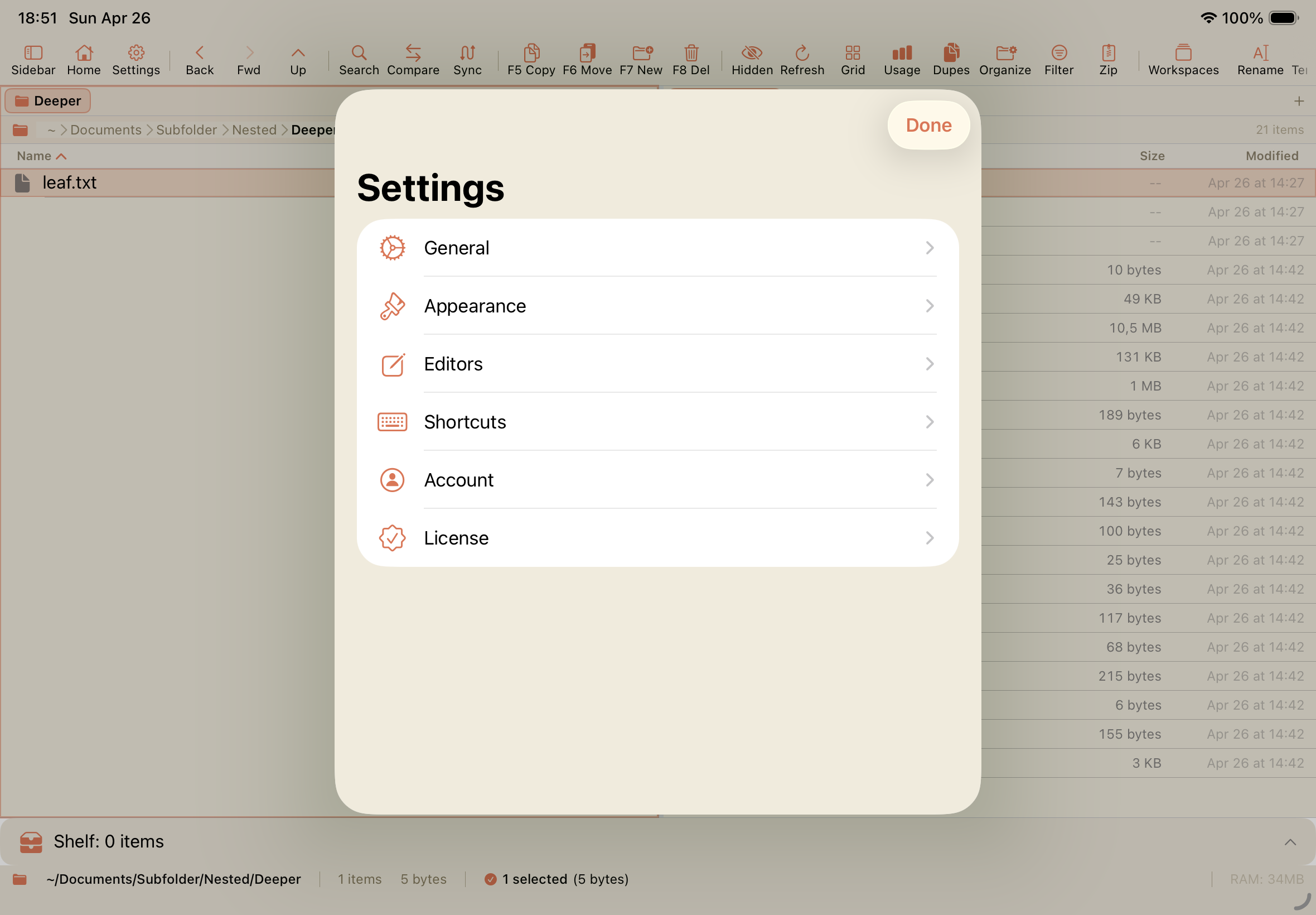
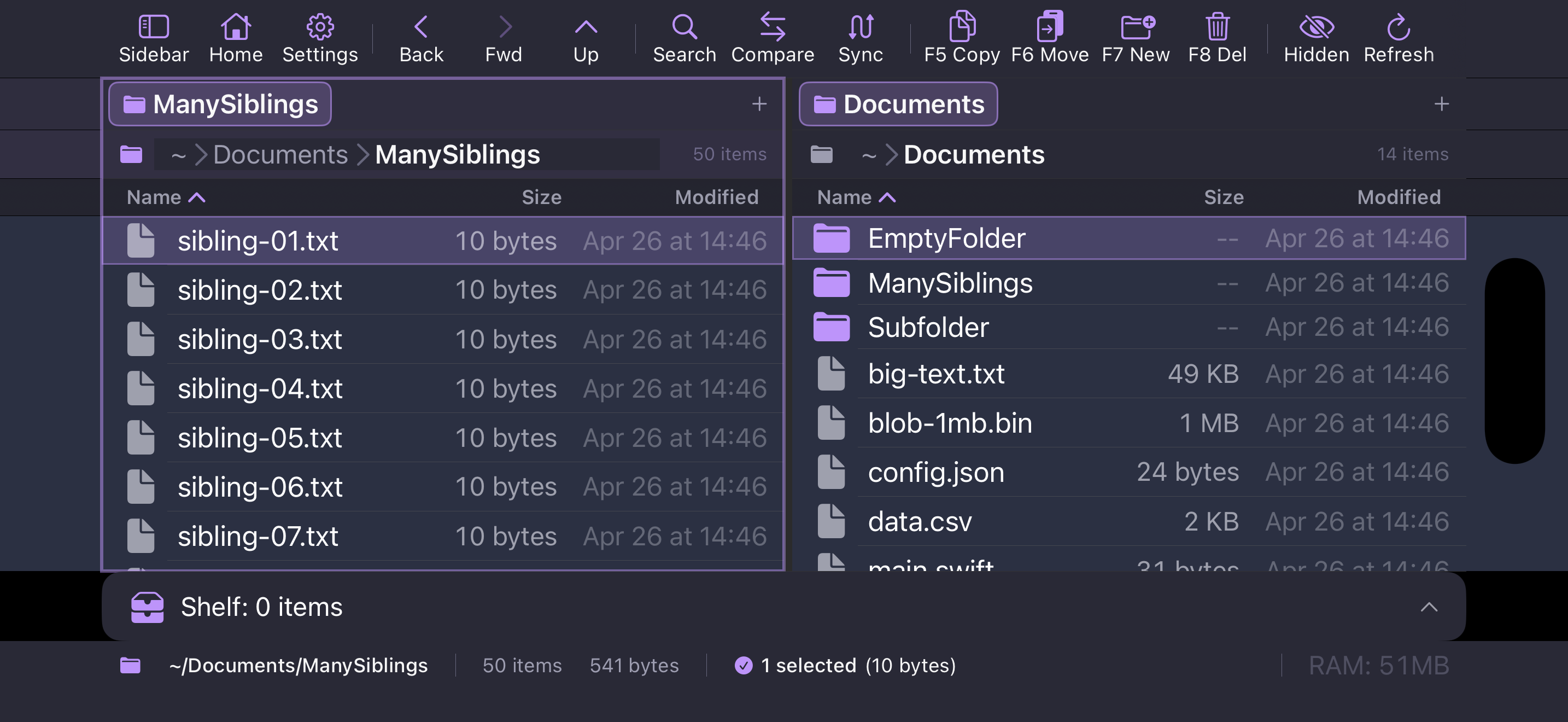
The same dual-pane experience, designed for touch. Switch seamlessly between Mac, iPad, and iPhone - your workspaces and shelf sync via iCloud.
On iPad
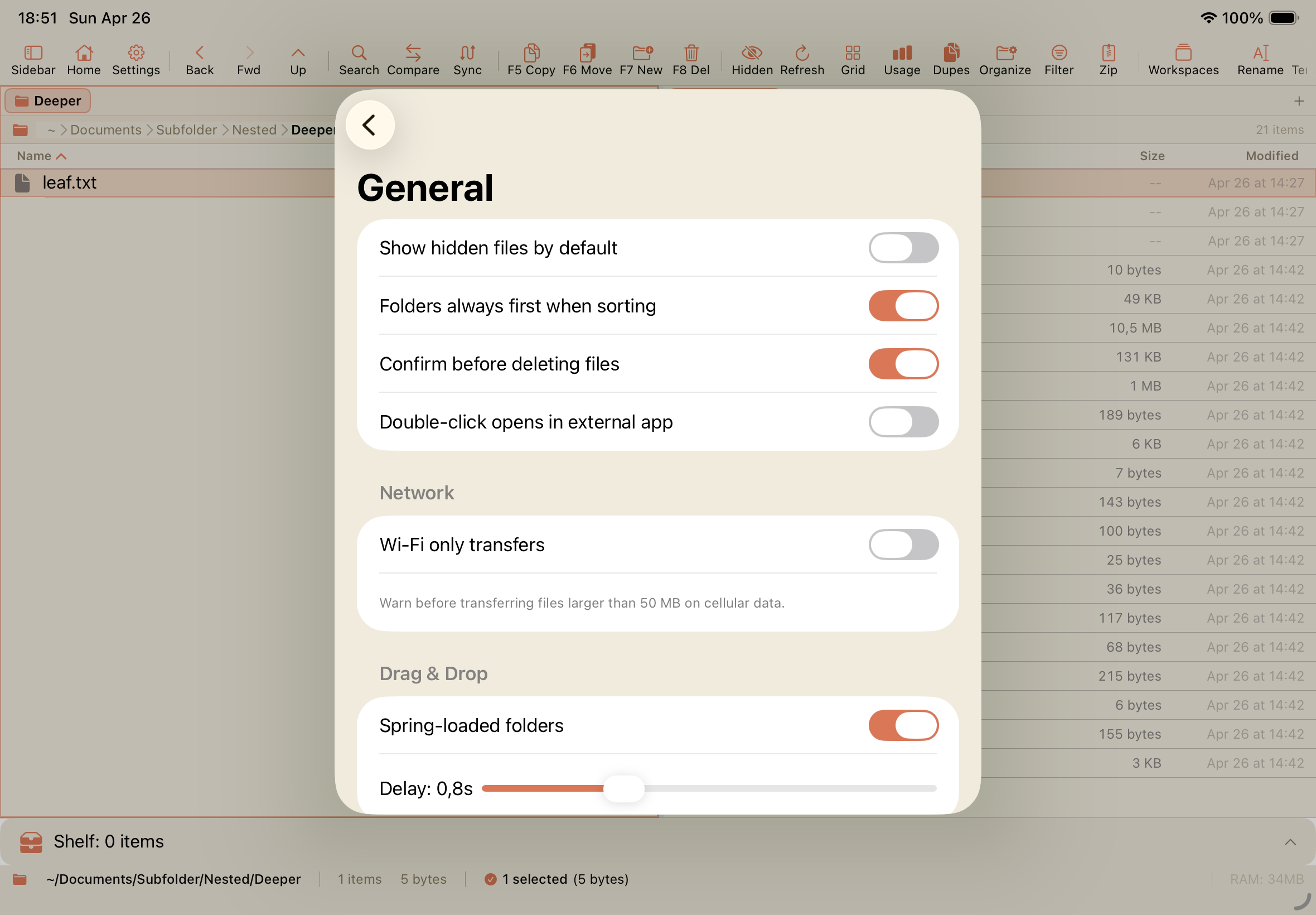
On iPhone
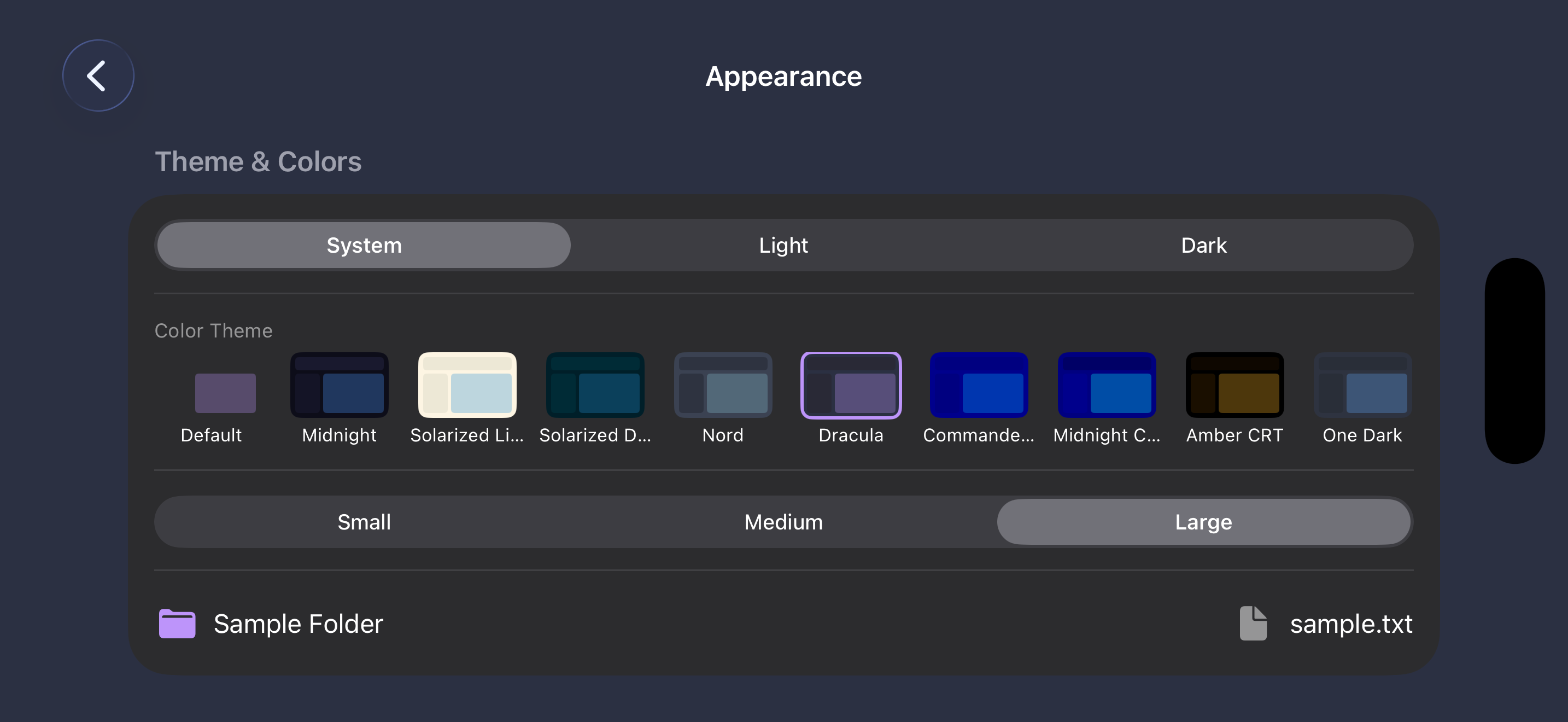
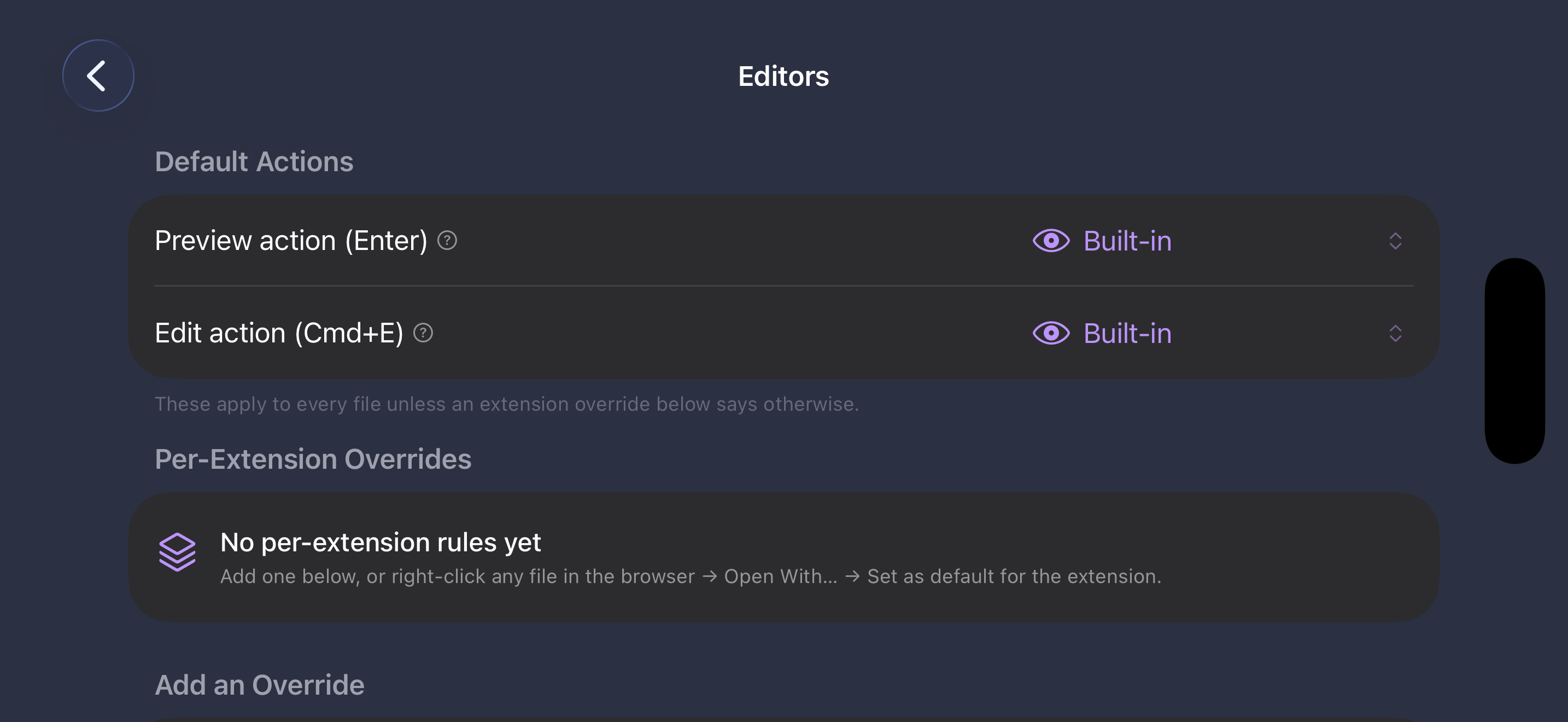
Watch the Full Demo
Cross-Platform
Native on macOS, iPad, and iPhone
Remote Access
SFTP, FTP, S3, and Azure connections
Powerful Tools
Terminal, regex rename, and archives
Native Performance
Built with SwiftUI for speed and efficiency
Everything You Need
Professional file management with local and remote capabilities
Dual-Pane Browsing
Side-by-side file browsing with tabs, drag-and-drop transfers, and keyboard-driven navigation. Copy, move, and compare files across panes effortlessly.
- Tabbed browsing in each pane
- Drag-and-drop between panes
- Keyboard shortcuts for power users
Remote Connections
Connect to SFTP, FTP, Amazon S3, and Azure Blob Storage servers. Browse and transfer files between local and remote locations seamlessly.
- SFTP & FTP with password authentication
- S3 & Azure Blob Storage
- Saved connection profiles
Integrated Terminal
Drop into a full terminal emulator without leaving the file manager. The terminal directory syncs automatically with the active pane.
- Full terminal emulation
- Pane-to-terminal directory sync
- Multiple terminal sessions
Batch Rename
Rename hundreds of files at once with regex patterns, sequential numbering, date insertion, and find-and-replace. Preview changes before applying.
- Regex pattern matching
- Sequential numbering & dates
- Live preview before applying
Universal Shelf
Stage files from any location into a temporary shelf for later use. Works across devices with iCloud sync for a seamless cross-device workflow.
- Cross-device iCloud sync
- Stage files from any source
- Quick access sidebar
Workspaces & Archives
Save and restore workspace layouts for different projects. Browse ZIP archives as if they were regular folders.
- Save/restore workspace layouts
- Browse archives as folders
- Quick Look file preview
Simple, Transparent Pricing
Try all features free for 7 days. No credit card required.
EmpiricCommander
7-day free trialOne-time purchase, yours forever
$29.99 one-time
No subscription. No recurring fees.
All features unlocked during trial. No credit card required.
What you get
- Dual-pane file browsing with tabs
- Copy, move, delete & file operations
- Quick Look file preview
- Filtering & search
- Regex batch rename
- Integrated terminal
- SFTP & FTP connections
- S3 & Azure Blob Storage
- ZIP archive browsing
- Remote file transfers
- Universal Shelf with iCloud sync (5GB)
- Unlimited workspaces
Licensing & updates
- Up to 3 devices per license: 1 Mac + 1 iPad + 1 iPhone
- All v1.x updates included for life
- v2 ships as a separate paid upgrade - discounted for v1 owners