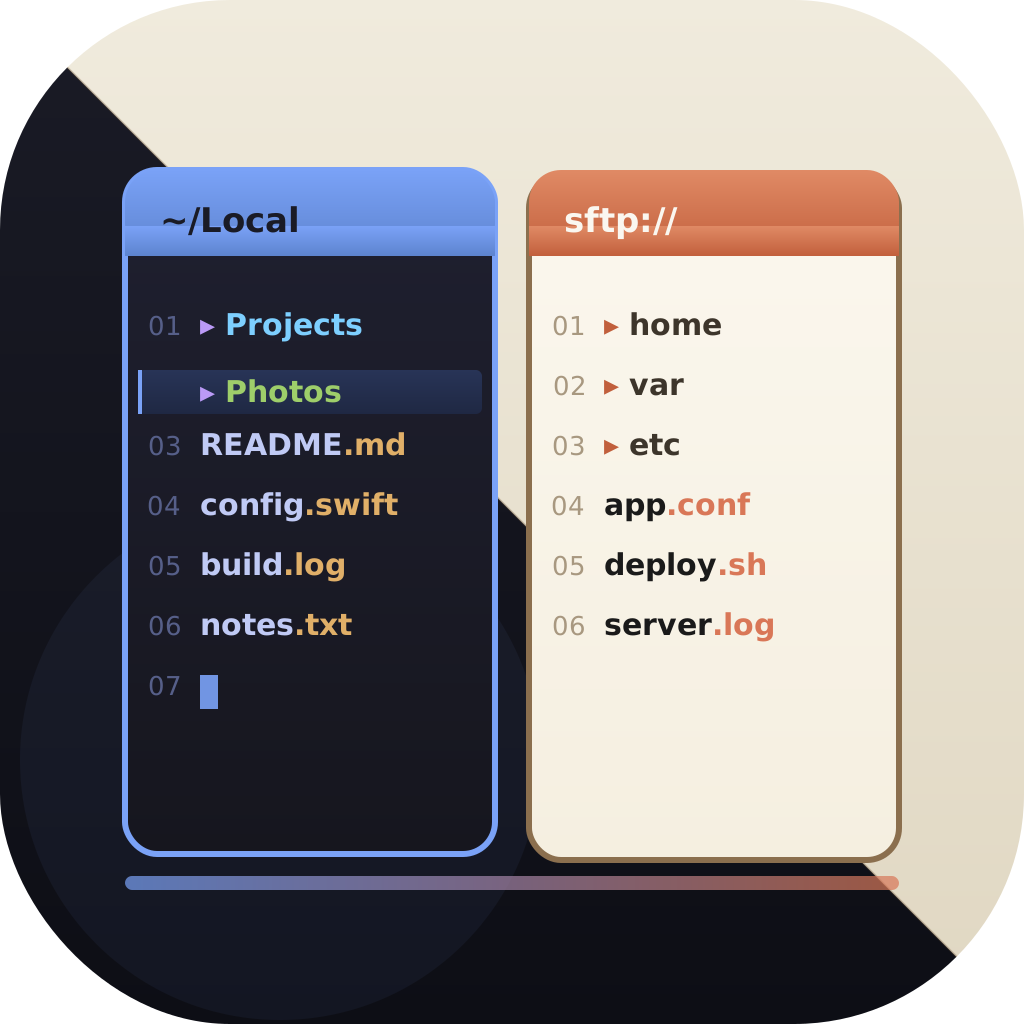
File manager for iPad & iPhone
A Real File Manager for iPad and iPhone
The built-in Files app is fine for the basics, but it was never meant for power file management. EmpiricCommander brings a proper dual-pane file manager to iPad and iPhone - with SFTP, S3, WebDAV, Azure, Google Drive, and Dropbox connections, batch rename, and an encrypted vault - and syncs with the matching Mac app. One purchase covers all three.
$49.99 one-time · no subscription · macOS, iPad & iPhone
Two panes side by side
Plus WebDAV, Azure, Google Drive & Dropbox
Mac, iPad, iPhone
More than the Files app
Dual-pane on iPad
Two folder views side by side - drag files from one to the other. Real two-panel file management on a tablet, not a single list.
Two panes on iPhone Duo
Unfold an iPhone Duo and you get the iPad layout, two panes side by side; fold it for the phone layout. Checked in Apple's iPhone Duo simulator ahead of the October 23 launch.
Connect to servers & NAS
SFTP (with key auth), FTP/FTPS, WebDAV, Amazon S3 and S3-compatible storage, Azure Blob, Google Drive, Dropbox - and SMB network shares, so your NAS, Mac, or Windows PC is reachable directly from iPad and iPhone.
Your photo library, as a folder tree
All Photos, Recents, Favourites, Screenshots, Videos, Albums and Years browse like folders in a pane - and anything in them copies straight to a server, a NAS, a bucket, or a folder on the device. Nothing is re-encoded, so the original file lands byte for byte with its dates and location. Read-only: nothing is ever written back into your library. New in 2.7.
Batch rename
Rename many files at once with regex, sequential numbering, and dates, with a live preview - on the go.
Universal Shelf
Stage files from any source and pick them up on another device. The Shelf syncs across Mac, iPad, and iPhone via iCloud.
Locked Shelf
An AES-GCM encrypted vault for credentials and recovery codes, available on iPhone and iPad too.
Archives & Quick Look
Browse ZIP archives like folders and preview files with Quick Look without leaving the app.
Why the Files app is not enough
Apple's Files app handles iCloud Drive and a few connections, but it is single-view, has limited remote support, and offers no batch operations or real two-pane workflow. For anyone who manages files seriously - developers, photographers, anyone moving data between a server and a tablet - it runs out of road quickly.
EmpiricCommander is a dedicated file manager designed for that work, bringing the Mac's two-pane model to the iPad. On iPhone the two panes show one at a time with a tab bar (side by side in landscape on Plus and Pro Max (iPhone 12 and later)), and the tools that used to need a second pane - Compare, Folder Sync, Checksum - reach it anyway as of 2.2.
- Two panes for drag-and-drop transfers, even on a tablet
- Real remote connections (SFTP, S3, WebDAV, Azure, Google Drive, Dropbox, SMB)
- Batch rename, archive browsing, and Quick Look
- EmpiricCommander connections also appear inside the system Files app
One workflow across all your Apple devices
Start something on the Mac, finish it on the iPad. A single $49.99 license covers 1 Mac, 1 iPad, and 1 iPhone, and the Universal Shelf syncs staged files across them via iCloud - so a file you set aside on one device is ready on the next.
Saved connection profiles are available everywhere, with credentials kept in the Keychain on each device.
Some features are macOS-only today (container browsing, a local shell). Git projects run on the iPad over HTTPS with a token or over SSH, and since 2.1 on the iPhone too. Remote connections, SMB network shares, batch rename, the Shelf, the built-in editor and the SSH terminal work on iPad and iPhone alike, and Compare, Folder Sync and Checksum joined them in 2.2. The full dual pane is an iPad and Mac layout - the iPhone shows the two panes one at a time, side by side in landscape on Plus and Pro Max (iPhone 12 and later), and Workspaces stay on iPad and Mac.
Private by design
Connection passwords, OAuth tokens, and keys are stored in the system Keychain, not in plaintext. The Locked Shelf adds an AES-GCM encrypted vault with a passphrase-derived key for anything you do not want sitting around. Google Drive uses the drive.file scope - the app only sees the folders you explicitly pick, not your entire Drive.
Frequently Asked Questions
Is there a real dual-pane file manager for iPad?
Yes. EmpiricCommander brings a true two-pane file manager to iPad and iPhone, with drag-and-drop between panes, remote connections, and batch rename - features the built-in Files app does not offer.
Can I copy photos from my iPad or iPhone to a server?
Yes, and this is something the Files app cannot do at all - it has no access to the photo library. EmpiricCommander browses your library as a folder tree and copies photos and videos to any destination it reaches: SFTP, SMB, S3, WebDAV, Google Drive, Dropbox, or local storage. You choose the folder layout and file naming first, and because nothing is re-encoded, the originals arrive byte for byte with their dates and locations. Originals stored only in iCloud are downloaded first. Access is read-only, so the library itself is never modified.
Can I connect to SFTP or S3 from my iPad?
Yes. SFTP (with key authentication), FTP/FTPS, WebDAV, Amazon S3 and S3-compatible storage, Azure Blob, Google Drive, and Dropbox all work from the iPad and iPhone apps.
Does it sync with the Mac app?
Yes. One $49.99 license covers 1 Mac, 1 iPad, and 1 iPhone, and the Universal Shelf syncs staged files across all three via iCloud.
Is it a better Files app alternative?
For power users, yes. It adds a dual-pane workflow, real remote-server support, batch rename, archive browsing, and an encrypted vault - while still integrating with the system Files app so its connections appear there too.
Do I have to buy it separately for each device?
No. A single $49.99 one-time purchase (per major version) covers your Mac, iPad, and iPhone, with a 7-day free trial that needs no credit card.