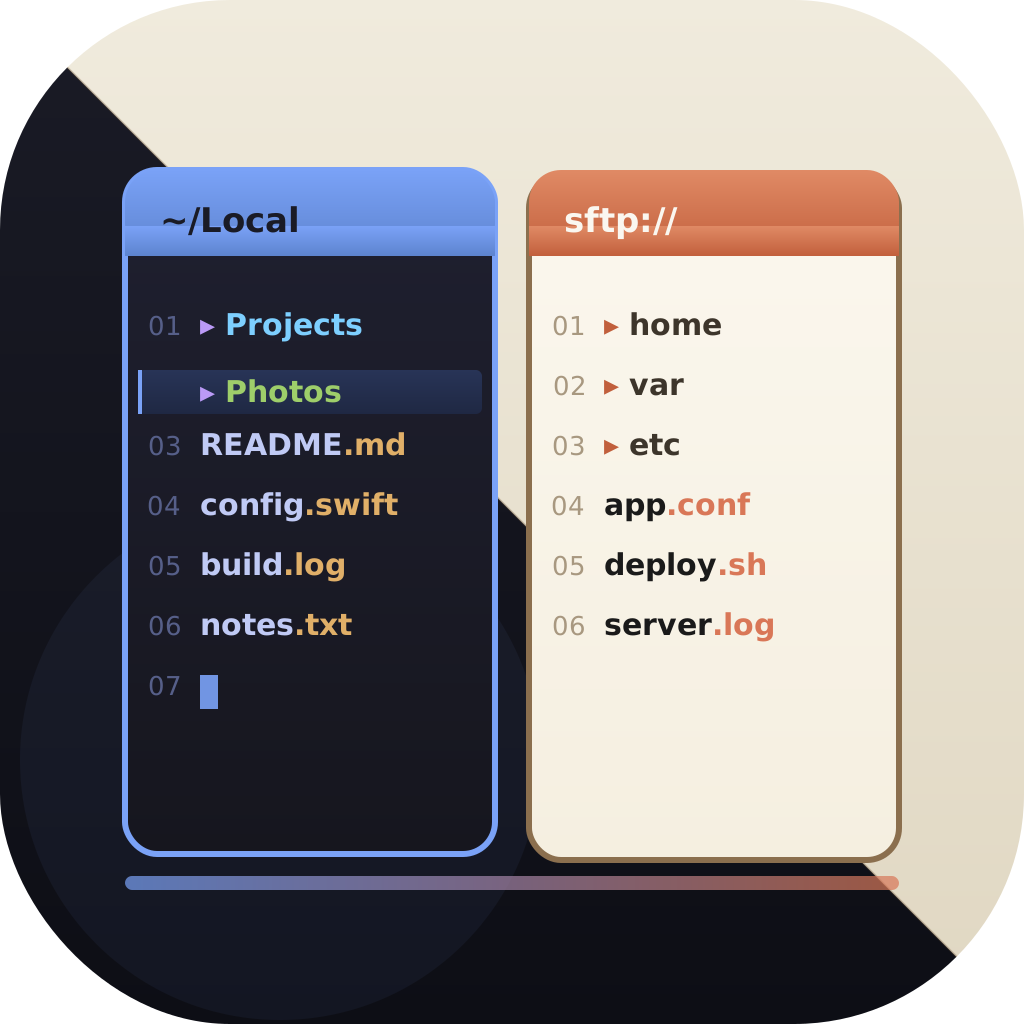
Dual-pane file manager for macOS
A Dual-Pane File Manager Built for the Mac
Two panes, side by side. Copy and move with a glance instead of juggling Finder windows. EmpiricCommander brings the classic orthodox dual-pane workflow to macOS as a native SwiftUI app - and to iPad and iPhone too - with tabs, drag-and-drop, an integrated terminal, and remote connections built in.
$49.99 one-time · no subscription · macOS, iPad & iPhone
Copy/move without window juggling
Not a web wrapper
$49.99 one-time
Why a second pane changes everything
Source and destination at once
See where files come from and where they go in the same window. Drag between panes to copy or move - no Command-Tab, no lost windows.
Tabs in each pane
Keep several folders open per side. Jump between a project, its build output, and a remote server without losing your place.
Keyboard-driven
Native macOS shortcuts for navigation, selection, copy, move, and rename. Hands stay on the keyboard.
Workspaces
Save a pane/tab layout for a project and restore it later exactly as you left it.
Batch rename
Rename hundreds of files with regex, sequential numbers, and dates - with a live preview before anything changes.
Archives & Quick Look
Browse ZIP archives as if they were folders and preview any file with Quick Look without opening another app.
Local and remote in the same two panes
The dual-pane model is most powerful when either pane can be anything. In EmpiricCommander, one pane can show a local folder while the other shows an SFTP server, an S3 bucket, or a Google Drive folder - and you drag files between them like any local copy.
Connections are saved as profiles with credentials in the macOS Keychain, and they also surface under Locations in the system Files app.
- SFTP (key auth), FTP/FTPS, WebDAV, S3-compatible, Azure Blob, Google Drive, Dropbox
- Cross-backend transfers without a visible intermediate download
- SMB network shares on Mac, iPad, and iPhone (Bonjour auto-discovery)
A terminal and developer tooling, in the file manager
EmpiricCommander embeds a full terminal emulator whose working directory follows the active pane, so the shell is always where you are looking. For developers there is also a Git panel with stage, commit, branch switching, and a branch/merge topology graph - the same on Mac, iPad and iPhone - and read-only browsing of Docker, Colima, and Lima container filesystems.
- Pane-synced terminal with multiple sessions
- Git workflow with branch graph - Mac, iPad and iPhone
- Read-only container filesystem browsing
- AES-GCM encrypted Locked Shelf for credentials
The same workflow on iPad and iPhone
Most dual-pane managers stop at macOS. EmpiricCommander ships native iPad and iPhone apps under the same license, and the Universal Shelf syncs staged files across all three devices via iCloud, so the file you set aside on the Mac is ready on the iPad.
A few capabilities are macOS-only today (container browsing, the local shell); Git runs on all three platforms, SSH remotes included, and remote connections and SMB shares work everywhere. The full dual pane is Mac and iPad - the iPhone shows the two panes one at a time, side by side in landscape on Plus and Pro Max (iPhone 12 and later).
Frequently Asked Questions
What is a dual-pane file manager?
A dual-pane (or orthodox) file manager shows two folder views side by side. You browse a source in one pane and a destination in the other, then copy or move files between them directly - far faster than dragging between separate Finder windows.
Does EmpiricCommander work like Total Commander or Norton Commander?
It follows the same two-panel philosophy, rebuilt natively for macOS. The workflow - two panes, keyboard-driven copy/move, batch rename, archive browsing - will feel familiar, using native macOS shortcuts.
Can a pane show a remote server?
Yes. Either pane can show a local folder or a remote connection (SFTP, FTP, WebDAV, S3, Azure, Google Drive, Dropbox), and you transfer between them by dragging, just like a local copy.
Does it run on iPad and iPhone?
Yes - native macOS, iPadOS, and iOS apps. One $49.99 license covers 1 Mac, 1 iPad, and 1 iPhone.
Is there a free trial?
Yes. All features are unlocked for 7 days with no credit card. After the trial, a one-time $49.99 purchase keeps the current major version forever.