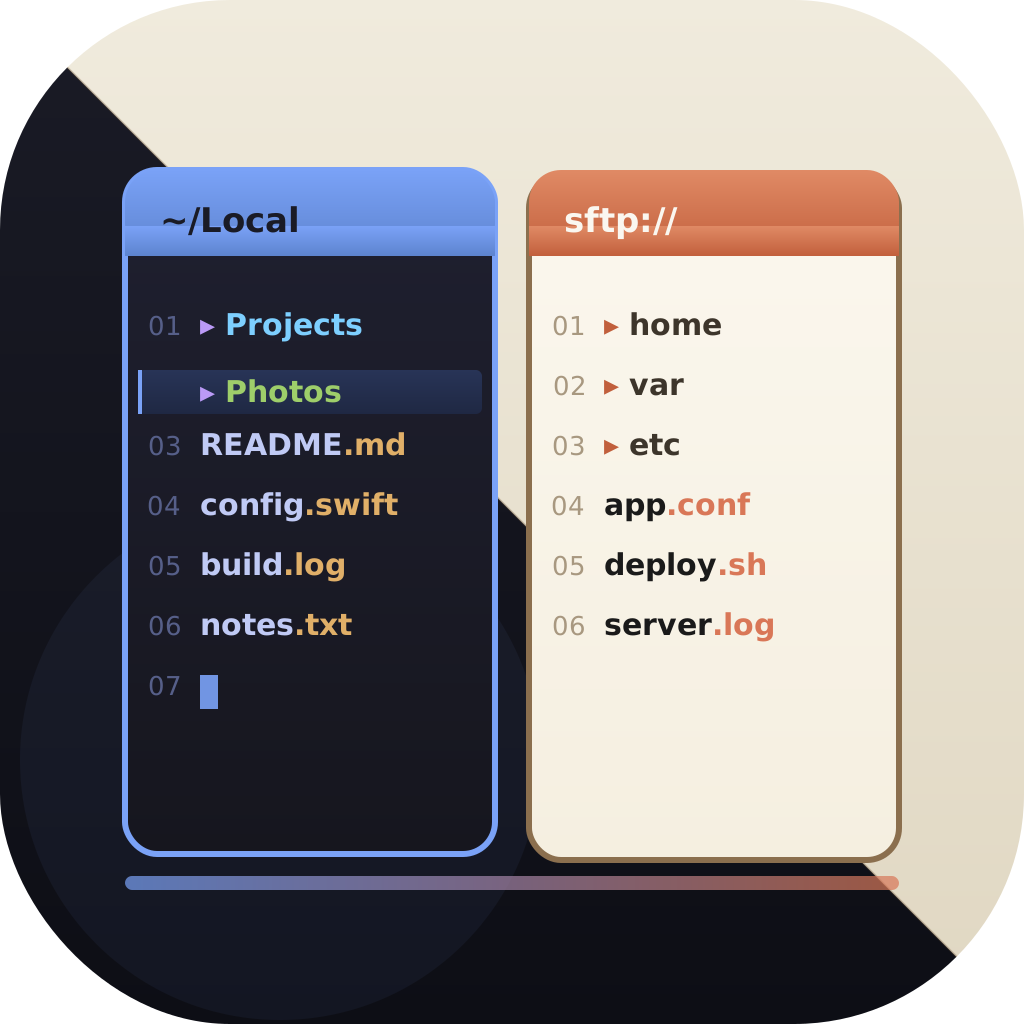
The native Total Commander equivalent for Mac
EmpiricCommander vs Total Commander
Total Commander is a Windows institution - but it has no native macOS version. If you are switching to a Mac and miss the two-panel workflow, EmpiricCommander is the closest native equivalent: dual panes, keyboard-driven, with built-in remote connections, a terminal, and Git - and no Wine or virtual machine. Here is an honest look at what carries over and what does not.
$49.99 one-time · no subscription · macOS, iPad & iPhone
Total Commander needs emulation on Mac
Total Commander is Windows/Android
No subscription, 7-day trial
Feature-by-Feature Comparison
An honest side-by-side - including where Total Commander comes out ahead.
What carries over from Total Commander
The core mental model is the same: two panes side by side, copy and move between them, keyboard-first navigation. If two-panel file management is why you love Total Commander, that workflow is intact in EmpiricCommander - rebuilt as a real Mac app rather than emulated through Wine.
EmpiricCommander also matches several of the features Total Commander users rely on day to day, and adds capabilities Total Commander handles only through plugins.
- Dual-pane layout with tabs and drag-and-drop between panes
- Batch (multi) rename with regex, sequential numbering, and live preview
- Browse ZIP archives like folders, with Quick Look preview
- Built-in SFTP, FTP/FTPS, S3, WebDAV, Azure, Google Drive, and Dropbox - no extra plugins
Where Total Commander still has the edge
Two things are genuinely hard to replicate. First, the exact F-key muscle memory (F5 to copy, F6 to move, and so on) - EmpiricCommander uses native macOS shortcuts, so there is a short relearning curve. Second, Total Commander's plugin ecosystem (WCX packers, WFX filesystem plugins, WLX viewers) is enormous after decades of community development. EmpiricCommander has no plugin system.
And of course, Total Commander runs on Windows. If you still need it there, no Mac app replaces that.
Honest note: there is no official native Total Commander for macOS. Running it on a Mac means Wine, CrossOver, or a Windows VM - which is exactly the friction EmpiricCommander removes.
Built for a developer's Mac
Beyond the two-panel basics, EmpiricCommander leans into developer workflows: a full terminal emulator that follows the active pane, a Git panel with a branch/merge topology graph on all three platforms, read-only browsing of Docker, Colima, and Lima container filesystems (macOS), and an AES-GCM encrypted Locked Shelf for credentials.
Competitor pricing reflects early 2026 - check ghisler.com for the current Total Commander license.
Which One Is Right for You?
No tool wins on every axis. Here is where each genuinely fits.
Choose EmpiricCommander if
- You are moving from Windows to Mac and want a native two-panel manager
- You do not want to run Wine, CrossOver, or a Windows VM
- You want built-in SFTP/S3/WebDAV without hunting for plugins
- You want a terminal, Git, and container browsing in one app
- You want the same workflow on iPad and iPhone too
Choose Total Commander if
- You are staying on Windows
- You depend on specific Total Commander plugins (WCX/WFX/WLX)
- Your productivity is tied to the exact F-key layout
- You also need an Android file manager from the same vendor
Frequently Asked Questions
Is there a native Total Commander for Mac?
No. Total Commander is a Windows application (with an Android edition). On a Mac it only runs through compatibility layers like Wine or CrossOver, or in a Windows virtual machine. EmpiricCommander is a native macOS dual-pane file manager built for that audience.
Will my Total Commander workflow transfer?
The two-panel model, copy/move between panes, multi-rename, and archive browsing all transfer. The main adjustment is keyboard shortcuts: EmpiricCommander uses native macOS shortcuts rather than Total Commander's F-key layout, and there is no plugin ecosystem.
Does EmpiricCommander have built-in FTP and SFTP?
Yes - SFTP, FTP/FTPS, WebDAV, Amazon S3 and S3-compatible storage, Azure Blob, Google Drive, and Dropbox are all built in, with credentials in the macOS Keychain. In Total Commander, SFTP typically requires a plugin.
How much does EmpiricCommander cost?
It is a $49.99 one-time purchase per major version with a 7-day free trial (no credit card). One license covers 1 Mac, 1 iPad, and 1 iPhone.
Does it run on Apple Silicon?
Yes. EmpiricCommander is a native Universal app for macOS 15+, iPadOS 17+, and iOS 17+, running natively on Apple Silicon with no Rosetta or emulation.