Cyberduck alternative for macOS, iPad & iPhone
EmpiricCommander vs Cyberduck
Cyberduck is free, open-source, and connects to an impressive range of cloud backends. If price and protocol breadth are what matter most, it is genuinely hard to argue with. EmpiricCommander is a paid, native dual-pane file manager that trades some of that breadth for a faster native UI, real local file management, a terminal, Git, and iPad/iPhone apps. Here is the honest comparison.
$49.99 one-time · no subscription · macOS, iPad & iPhone
Cyberduck runs on a Java runtime
Cyberduck is a single-pane browser
Cyberduck has no iOS app
Feature-by-Feature Comparison
An honest side-by-side - including where Cyberduck comes out ahead.
Free and broad vs native and integrated
Cyberduck's two biggest strengths are real: it costs nothing, and it speaks an enormous number of protocols - FTP, SFTP, WebDAV, S3, Google Cloud Storage, Azure, Backblaze B2, Dropbox, Google Drive, OneDrive, and more. For occasional transfers to a wide variety of backends, it is a fine, free choice.
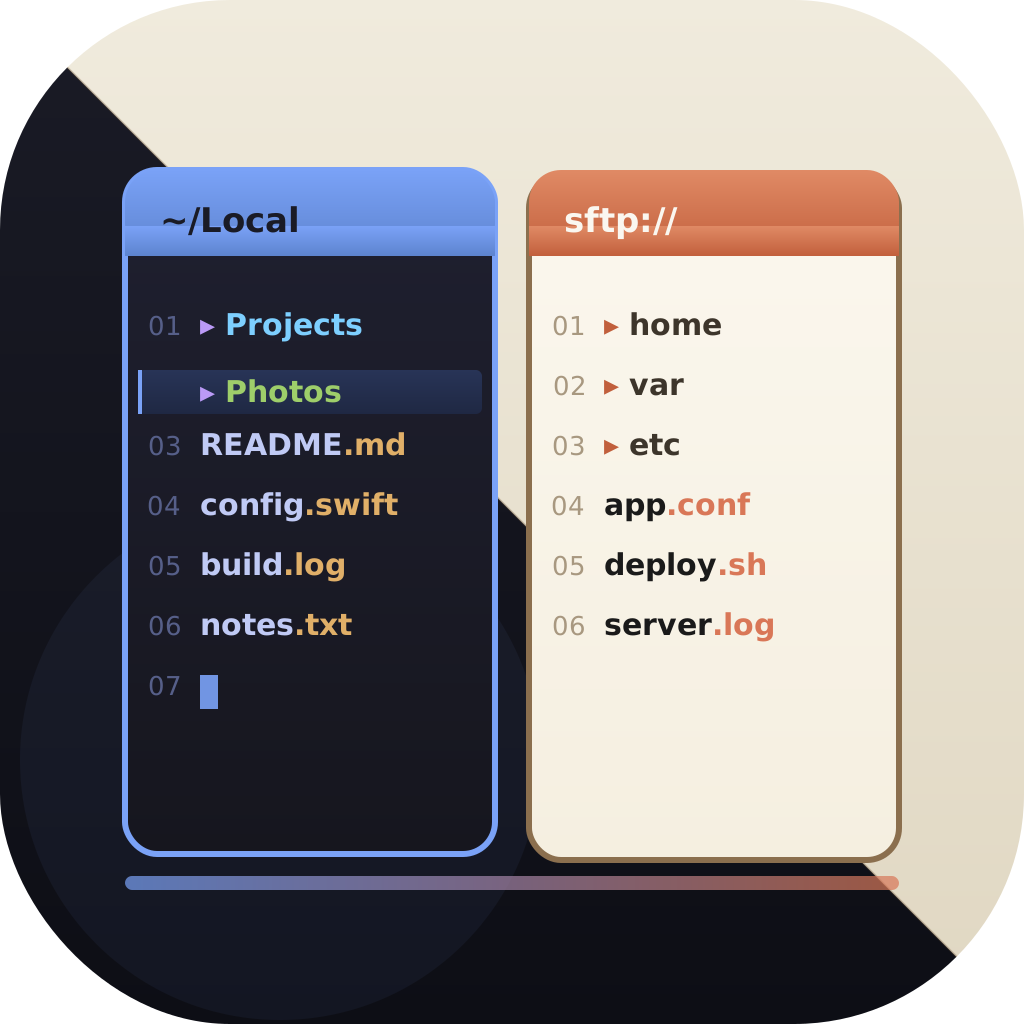
EmpiricCommander is not free, and it does not chase every named provider. What it offers instead is a native SwiftUI app - no Java runtime - with true dual-pane local file management, where remote connections sit alongside your local folders rather than being the whole point.
- Native macOS rendering: instant UI, proper dark mode, Retina-sharp
- Dual-pane layout with tabs, drag-and-drop, and workspaces
- SFTP (key auth), FTP/FTPS, WebDAV, S3-compatible, Azure, Google Drive
- Credentials in the macOS Keychain, not config files
Honest note: if free and maximum protocol coverage are your top priorities, Cyberduck is the pragmatic pick - and it runs on Windows, which EmpiricCommander does not.
Built for power users and developers
Cyberduck is a connection browser; it does not aim to be a developer workbench. EmpiricCommander does. A full terminal emulator follows the active pane, a Git panel offers stage, commit, branch switching, and a branch/merge topology graph on all three platforms, and you can browse Docker, Colima, and Lima container filesystems read-only (macOS).
There is also a Locked Shelf - an AES-GCM encrypted vault for credentials and recovery codes - and a Universal Shelf that syncs staged files across your Mac, iPad, and iPhone via iCloud.
Being native rather than a Java app also unlocks on-device AI: EmpiricCommander uses Apple Intelligence to batch-rename files from a plain-language description and to summarize files in preview, all on-device with nothing sent to a server. Cyberduck has no built-in AI, and a Java runtime has no path to the on-device model, so this is a native-only capability.
- On-device Apple Intelligence: plain-language batch rename and file summaries (macOS 26, Apple Silicon)
- Embedded, pane-synced terminal with multiple sessions
- Git workflow with branch graph - Mac, iPad and iPhone
- Read-only container filesystem browsing
- Encrypted Locked Shelf and cross-device Universal Shelf
Encryption and platforms
Cyberduck integrates with Cryptomator for client-side encrypted vaults and is cross-platform across macOS and Windows. EmpiricCommander instead offers its own AES-GCM Locked Shelf and spans the Apple ecosystem - macOS, iPadOS, and iOS - under a single license.
Competitor details reflect early 2026 - check cyberduck.io for current protocol support.
Which One Is Right for You?
No tool wins on every axis. Here is where each genuinely fits.
Choose EmpiricCommander if
- You want a native, fast SwiftUI app rather than a Java-based one
- You want true dual-pane local file management, not just a connection browser
- You want a terminal, Git, and container browsing in the app
- You want the same workflow on iPad and iPhone
- You are happy to pay $49.99 once for a more integrated tool
Choose Cyberduck if
- You want a free, open-source tool
- You need the widest possible list of cloud providers
- You also need a Windows client
- You rely on Cyberduck's Cryptomator vault integration
Frequently Asked Questions
Is EmpiricCommander a Cyberduck alternative?
Yes, if you want a native dual-pane file manager with local file management, a terminal, Git, and iPad/iPhone apps. Cyberduck remains the better choice if you need a free, open-source tool, the broadest list of cloud providers, or a Windows client.
Why pay for EmpiricCommander when Cyberduck is free?
You are paying for a native SwiftUI experience, real dual-pane local file management, an integrated terminal, Git, container browsing, an encrypted vault, and native iPad/iPhone apps. If you only need occasional free transfers across many providers, Cyberduck is the rational choice.
Does EmpiricCommander support S3 and SFTP?
Yes - SFTP (with key authentication), FTP/FTPS, WebDAV, Amazon S3 and S3-compatible storage (R2, B2, Wasabi, MinIO), Azure Blob, Google Drive, and Dropbox. Cyberduck supports an even wider set, including Google Cloud Storage and OneDrive.
Does EmpiricCommander run on Windows?
No. EmpiricCommander is an Apple-only app (macOS 15+, iPadOS 17+, iOS 17+). Cyberduck runs on both macOS and Windows.
Is there a free trial?
Yes. EmpiricCommander unlocks all features for 7 days with no credit card. After that it is a one-time $49.99 purchase per major version.